
Help home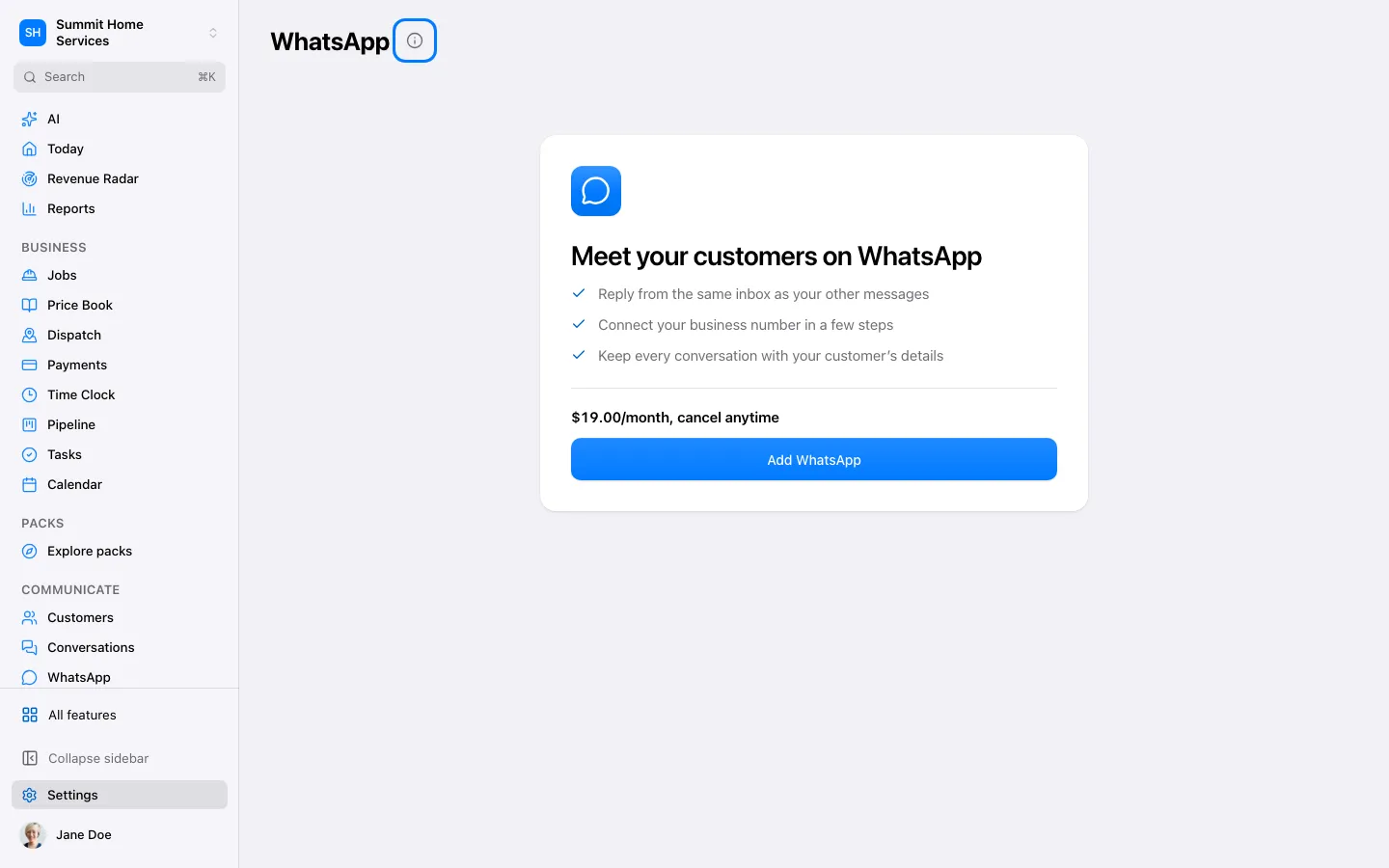
Connect WhatsApp
Connect WhatsApp
Open Settings → Connections → WhatsApp and choose Connect. Use the Meta account that manages your business.
Step by step
- Open Settings → Connections → WhatsApp and choose Connect. Use the Meta account that manages your business.
- Select the correct business account and phone number in the connection flow. Complete verification and grant the requested permissions.
- Return to the connection screen and check that the number is ready. Review templates and billing before sending a business-initiated message.
- Open Conversations and send one test to a recipient who has agreed to receive messages. Check delivery before using it with customers.
On your screen

Was this helpful?
Sign in to send your feedback.
Yes / No