Add 360 to ChatGPT once, then ask ChatGPT about your customers, estimates and follow-ups. You choose the businesses and what ChatGPT may do.
Step by step
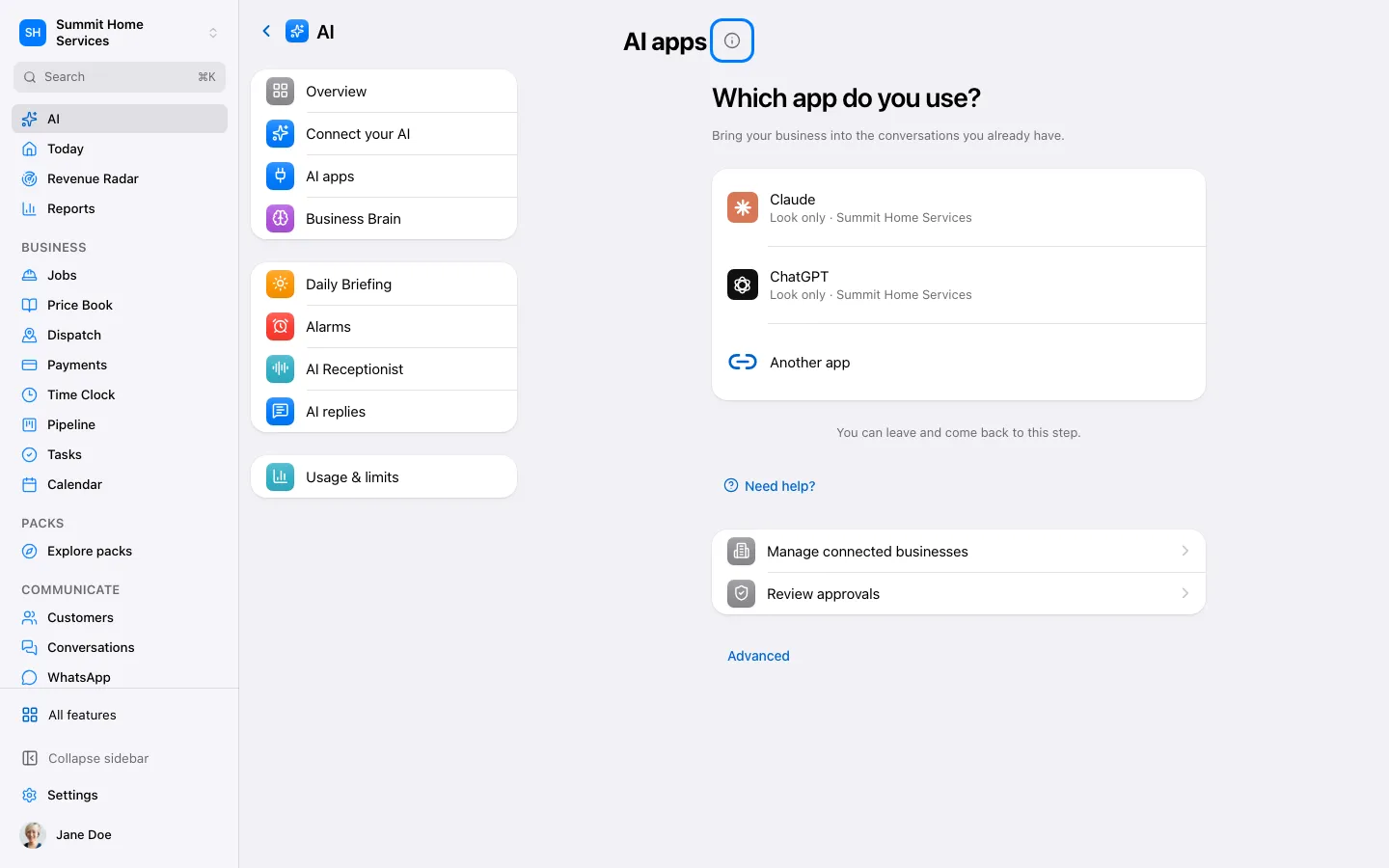
In 360, open Settings → AI → AI apps and choose ChatGPT. Copy the link https://api.get360crm.com/mcp.
On chatgpt.com, open “Plugins” in the left bar, choose “Add” (top right), then “Add custom MCP server”.
Name: 360. Paste the link into “Server URL”. Leave “Authentication” on “OAuth” and don’t change “Advanced OAuth settings”.
Tick “I understand and want to continue”, then choose “Create as a plugin”.
Choose “Connect 360”, sign in to 360, verify, choose access and your businesses, then select Allow.
Return to 360: the AI apps page shows Connected ✓ with your businesses and access. Didn’t change? Make sure you used the same 360 account and pasted the link in “Server URL”, not in a chat.